



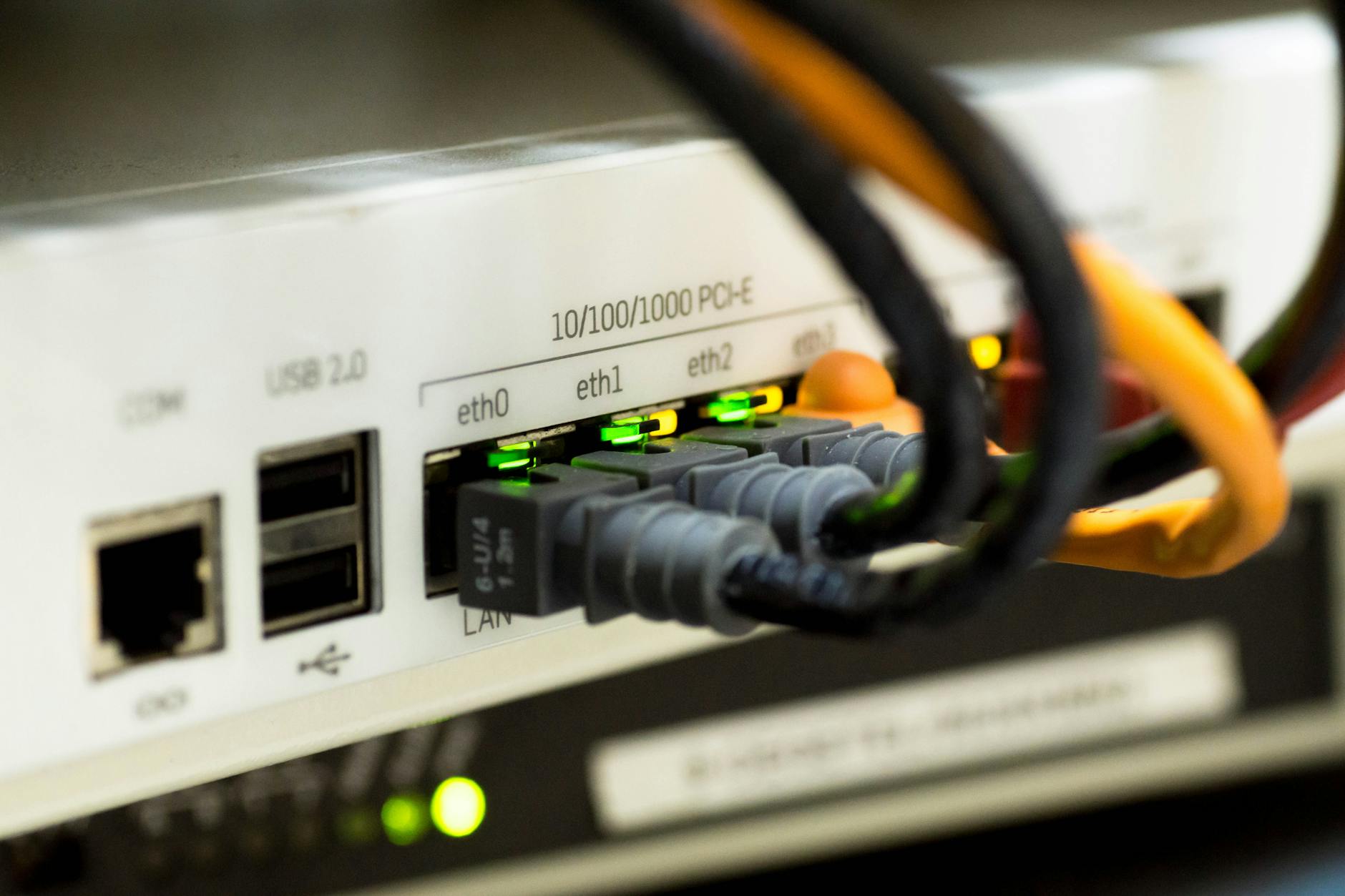
The Hidden Dangers of Hotel Wi‑Fi
When you step into a hotel lobby and see that glowing Wi‑Fi sign, it’s easy to assume the connection is safe. In reality, public hotel networks are prime hunting grounds for cyber‑criminals. From rogue access points that mimic the official network to packet‑sniffing tools that harvest credentials, the threats are real and often invisible.
Consider the case of a business traveler in Barcelona who logged into his corporate portal over the hotel Wi‑Fi. Within minutes, his login details were intercepted, granting a hacker access to confidential client files. Stories like this illustrate why a proactive security mindset is essential, especially when you’re far from home.
Tip #1: Deploy a Trusted VPN
A Virtual Private Network (VPN) creates an encrypted tunnel between your device and a remote server, shielding every bit of data from prying eyes. When you connect to a hotel network, the VPN ensures that even if a malicious actor is monitoring traffic, they only see scrambled gibberish.
How to Choose a VPN
- No‑logs policy: The provider should not keep records of your activity.
- Strong encryption: Look for AES‑256‑GCM or ChaCha20‑Poly1305.
- Global server locations: Choose a service with servers close to your destination to minimize latency.
Real‑world example: A solo traveler in Kyoto used NordLayer to connect to a server in Singapore. Not only did the VPN mask his IP, but it also prevented a nearby attacker from capturing his banking credentials when he paid for a sushi dinner.
Tip #2: Verify the Network & Stick to HTTPS
Hackers often set up “evil twin” Wi‑Fi networks that bear the same SSID as the legitimate hotel signal. Before you log in, ask the front desk for the exact network name and any required password.
Spotting a Fake Network
- Check the signal strength – a fake AP is usually stronger because it’s placed nearby.
- Look for a captive portal that redirects you to a login page; if it asks for personal details beyond a password, walk away.
Even on a verified network, always use HTTPS (the padlock icon) for any site that handles sensitive information. Modern browsers flag insecure sites, but you can add an extra layer with the HTTPS Everywhere extension.
Tips #3–#5: Keep Software Fresh, Use Two‑Factor, and Disable Auto‑Connect
While a VPN and network verification are the front‑line defenses, three smaller habits can dramatically reduce your attack surface.
3. Keep Your Devices Updated
Operating systems, browsers, and apps regularly release patches for known vulnerabilities. Enable automatic updates, or at least schedule a weekly check. A recent ransomware outbreak exploited an unpatched Windows SMB flaw that many travelers still carried on older laptops.
4. Enable Two‑Factor Authentication (2FA)
Even if a hacker snags your password, 2FA adds a second barrier—usually a time‑based one‑time code or a push notification to your phone. Services like Google Authenticator, Authy, or hardware keys (YubiKey) are excellent choices.
5. Turn Off Auto‑Connect and Wi‑Fi Sharing
Most smartphones and laptops try to connect automatically to any known network. Disable this feature while traveling, and avoid sharing your connection via Bluetooth or NFC in public spaces. Manually selecting the network each time forces you to double‑check the SSID.
FAQ
Q: Is it safe to use free VPN services in hotels?
A: Generally, free VPNs come with limitations—slower speeds, data caps, and sometimes questionable privacy practices. For travel security, invest in a reputable paid service that guarantees a no‑logs policy and strong encryption.
Q: What should I do if I suspect I’ve connected to an evil twin network?
A: Immediately disconnect, forget the network on your device, and report the incident to hotel staff. Then reconnect using the verified SSID and password you received directly from the front desk.
Q: Can I rely solely on HTTPS to protect my data?
A: HTTPS encrypts data in transit, but it doesn’t protect you from network‑level attacks like DNS hijacking or malicious captive portals. Combine HTTPS with a VPN and the other tips in this guide for comprehensive protection.
Found this helpful? Share it with fellow travelers! ✈️
0 comments:
Post a Comment