



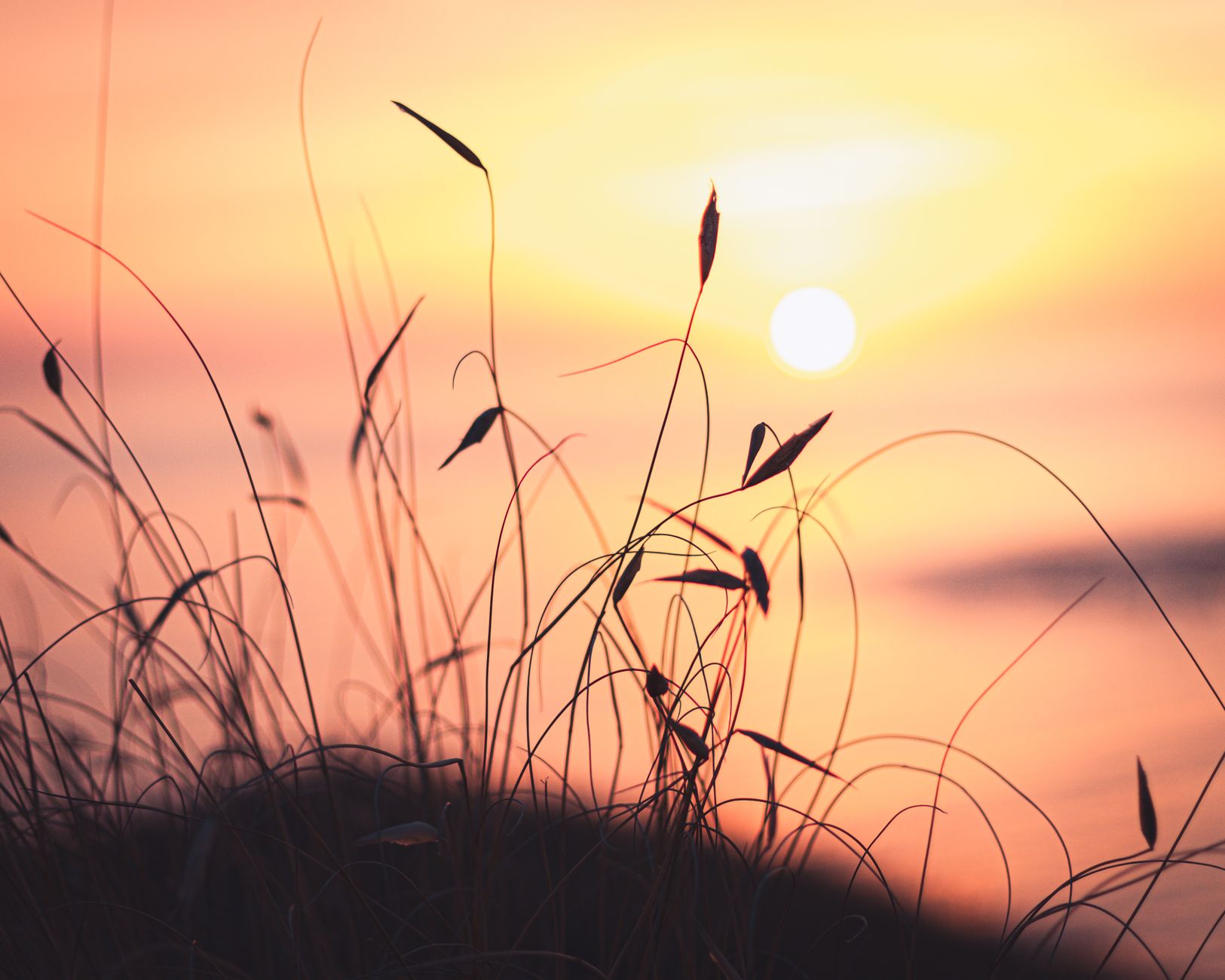
Photo by merwak. raw on Pexels
There’s something magical about the first light of day – the colors, the calm, the promise of a new adventure. Yet many travel photographers spend more time in post‑production than they do chasing the perfect sunrise. What if you could lock in a flawless shot in just seven minutes of prep and shave hours off your editing queue? Below is a step‑by‑step guide that shows exactly how to do that, complete with real‑world examples, gear recommendations, and a quick FAQ.
Why the 7‑Minute Method Works
The secret isn’t a trick of the light; it’s a systematic approach that eliminates guesswork before you even press the shutter. By standardising your settings, scouting the composition ahead of time, and using a few smart accessories, you create a repeatable template that produces near‑ready‑to‑publish images. In practice, photographers who adopt this routine report a 30‑40% reduction in editing time because the raw files already match their vision – correct exposure, balanced whites, and clean horizons.
Real example: On a recent trip to the cliffs of Étretat, I arrived at the beach 20 minutes before sunrise, followed the 7‑minute prep, and captured three RAW files that required only a single exposure‑adjustment curve in Lightroom. The entire edit took under five minutes, compared to the usual 20‑30 minutes of fine‑tuning.
Gear Checklist for a Lightning‑Fast Sunrise
- Camera body: Any DSLR or mirrorless with manual mode. I use a Sony A7IV for its low‑light performance.
- Lens: A fast wide‑angle (e.g., 16‑35mm f/2.8) to capture sweeping vistas and let you keep ISO low.
- Tripod: A carbon‑fiber model with quick‑release plate – stability is non‑negotiable.
- Remote shutter or Bluetooth trigger: Prevents camera shake and lets you stay on the tripod.
- Grey card or colour checker: For a one‑click white‑balance lock.
- Smartphone with GPS: To note exact location and sunrise time for future reference.
All of these items fit into a standard travel backpack, so you won’t add extra bulk to your load.
Step‑by‑Step 7‑Minute Prep Routine
- Pre‑arrive (1 min): Use a sunrise calculator app (e.g., PhotoPills) the night before to note the exact rise time and azimuth. Set an alarm for 30 minutes before the calculated time.
- Scout the scene (1 min): When you reach the location, quickly locate the horizon line and any foreground interest (rocks, silhouettes, water). Take a single test shot at 1/125 s, ISO 100, f/8 to gauge composition.
- Set white balance (1 min): Place the grey card in the same light as your subject, snap a photo, then select that image as custom white balance. This locks colour temperature and prevents unwanted colour casts.
- Lock exposure (2 min): Switch to manual mode. Set ISO to 100 (or the base ISO of your camera). Use the histogram from the test shot to choose an aperture that gives you a good depth of field – typically f/8–f/11 for landscapes. Then, using the live view, adjust shutter speed until the histogram peaks just under the right‑edge, preserving highlight detail in the sky.
- Focus and compose (1 min): Switch to single‑point AF, place the point on a high‑contrast element (like a rock edge), then lock focus (use the camera’s focus‑lock button). Frame the shot using the rule of thirds, ensuring the sun will rise just off‑centre for a dynamic composition.
- Final check and shoot (1 min): Review the exposure preview, verify the grey‑card white balance, and fire the remote trigger. Take a burst of 3–5 frames to capture the moment as the sun breaks the horizon.
Because you’ve already set ISO, aperture, shutter speed, focus, and white balance, you spend virtually no time fiddling with settings as the light changes. The result is a clean, well‑exposed RAW file that needs only minor tweaks.
Post‑Shoot Workflow: Editing in Minutes
Once back on your laptop or tablet, import the burst into Lightroom (or your preferred RAW editor). Apply the following preset steps – each takes less than a minute:
- White‑balance sync: All images share the custom WB you set, so you can copy the setting across the burst.
- Exposure fine‑tune: Use the “Tone” panel to lift shadows 5–10 points if needed; the sky will already retain detail thanks to your pre‑shot histogram.
- Colour grading: Add a subtle “Vibrance” boost (≈15) and a warm “Split‑tone” hue (≈10°) to enhance sunrise tones without oversaturation.
- Lens correction: Enable profile correction – this automatically fixes distortion and vignetting.
- Crop & straighten: Align the horizon, then crop to a 3:2 ratio for Instagram or a 16:9 ratio for widescreen use.
Export the final JPEG at 2,500 px on the long edge, and you have a ready‑to‑post image in under five minutes. Compare that to a typical 20‑30‑minute edit where you’d have to manually balance exposure, correct colour casts, and straighten the horizon.
FAQ
- Q1: What if the weather changes rapidly after sunrise?
- A1: Because you lock exposure and white balance before the sun rises, the initial frames capture the light as it is. If clouds roll in, simply switch to a higher ISO (e.g., 400) for the next burst – the settings are already saved in your camera’s custom mode.
- Q2: Can I use this method with a smartphone?
- A2: Yes, but you’ll need a tripod, a clip‑on lens (wide‑angle), and a manual camera app that lets you set ISO, shutter speed, and white balance. The same 7‑minute checklist applies.
- Q3: How do I keep my foreground element (like a silhouette) from blowing out?
- A3: Meter off the brightest part of the sky, then use exposure compensation –‑1 to ‑2 EV – to protect the foreground. Your histogram will show a slight “bump” on the left side, indicating preserved shadow detail.
By mastering this seven‑minute sunrise prep, you’ll spend less time behind a laptop and more time enjoying the moment. The next time you chase dawn, remember: a few minutes of disciplined setup can save you hours of editing, leaving you free to explore, write, and share your travel stories faster than ever.
Found this helpful? Share it with fellow travelers! ✈️
0 comments:
Post a Comment