



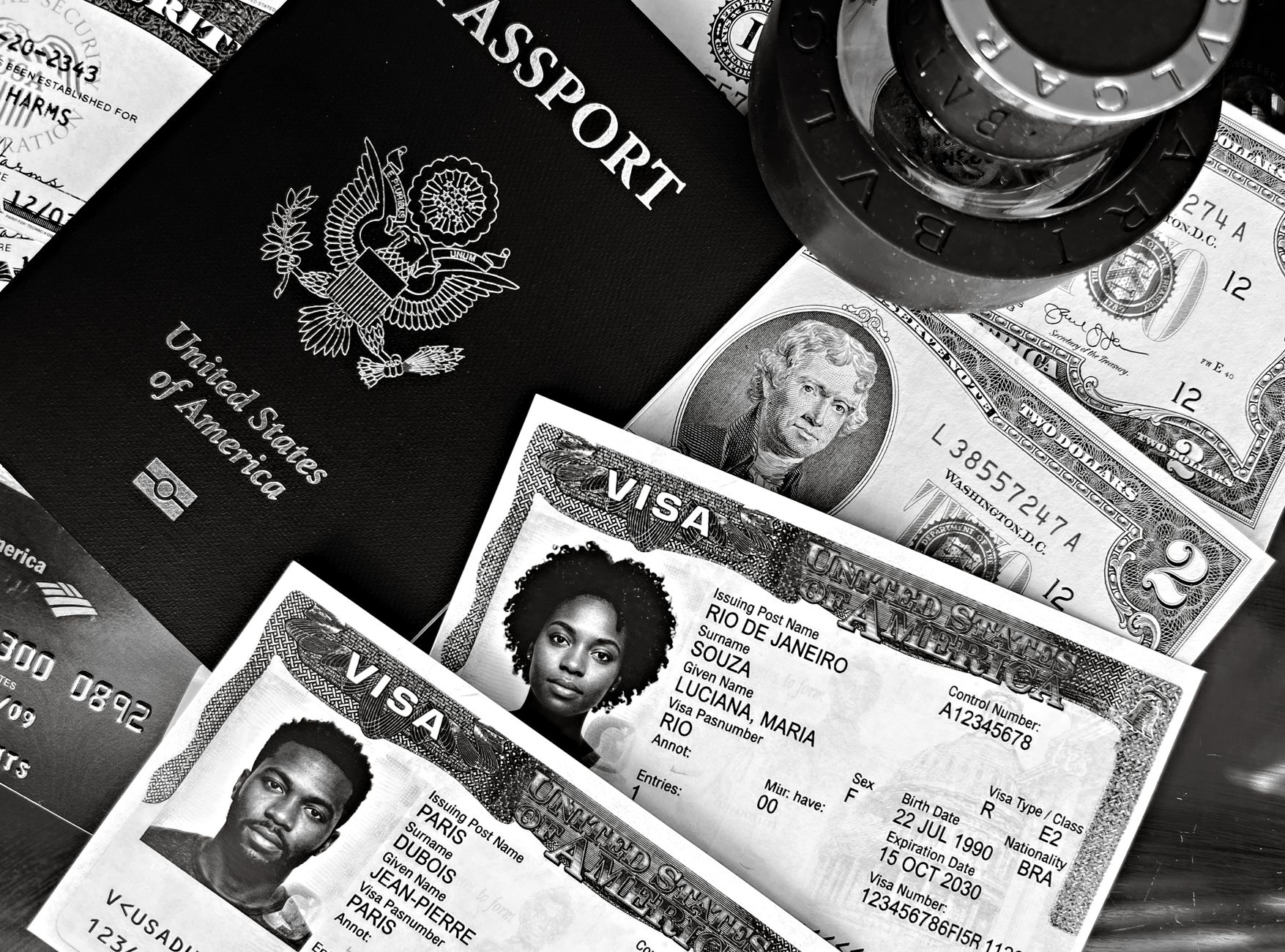
Photo by DΛVΞ GΛRCIΛ on Pexels
When you’re hopping between airports, train stations, and hotel lobbies, the last thing you want to worry about is a missing passport. A tiny Bluetooth tracker—often no bigger than a grain of rice—can be the silent guardian that saves you from a nightmare scenario. In this guide, we’ll explore why these devices are essential, how to pick the right one, and practical ways to integrate them into your travel routine.
Why a Bluetooth Tracker Is a Game‑Changer
Traditional security measures—like a zippered pocket or a travel wallet—are passive. A Bluetooth tracker adds an active layer of protection. When paired with a smartphone app, the tracker can:
- Alert you instantly if the passport moves out of a preset range (usually 30‑100 ft).
- Show its last known location on a map, making recovery far easier.
- Ring or flash on command, helping you locate a misplaced passport in a crowded lounge.
For example, a frequent business traveler from Chicago shared that a Tile Slim attached to his passport holder saved him from a 2‑hour airport delay. The moment his bag was moved, his phone buzzed, and he quickly retrieved the passport before it slipped onto the conveyor belt.
Choosing the Right Tracker for Your Passport
Not all Bluetooth trackers are created equal. Here are three criteria to consider:
- Size and Form Factor – The tracker should be thin enough to slide into a passport sleeve or stick to the inside cover without adding bulk. Devices like the Apple AirTag (31 mm × 8 mm) or Chipolo Card (85 mm × 55 mm) are ideal.
- Battery Life – Look for a tracker with a replaceable battery (often a CR2032 coin cell) that lasts at least a year. This ensures you won’t be scrambling for a new one mid‑trip.
- Network Coverage – Some trackers rely on a community network (e.g., Tile’s crowd‑find) while others use Apple’s Find My network. If you travel internationally, a device that taps into a large user base increases the odds of locating a lost passport abroad.
Real‑world tip: Attach the tracker to the inner seam of a passport holder using a thin adhesive strip. This keeps it hidden from thieves while staying within the device’s detection range.
Practical Ways to Use the Tracker While Traveling
Simply buying a tracker isn’t enough; you need a habit. Below are four actionable strategies that have worked for seasoned globetrotters:
- Pre‑flight Check‑In: Open the tracker app and verify the passport’s signal before you leave for the airport. A quick “ping” confirms the device is active.
- Secure Placement: Slide the tracker into the passport cover, then place the passport in a zippered pocket of your carry‑on. This double‑layer approach reduces accidental loss.
- Set Geo‑Fencing Alerts: Configure the app to send a push notification if the passport moves beyond a 20‑foot radius. On a busy layover, this can prevent the passport from being left on a seat.
- Use the “Ring” Feature in Public Spaces: If you can’t locate the passport in a hotel room, use the app’s “ring” command. The tracker emits a sound that cuts through ambient noise, helping you find it under a pile of clothes or inside a suitcase.
Case study: A family traveling from Tokyo to Sydney attached a Chipolo Card to each child’s passport. When the youngest’s passport slipped into a bathroom sink, the mother used the “ring” function, heard the soft beep, and rescued the document before the flight’s boarding call.
FAQ: Your Top Questions Answered
- Q1: Will the tracker work in countries without a strong Bluetooth network?
- A: Bluetooth operates locally, so the tracker works anywhere as long as it’s within range of your phone. For locating a lost passport far away, the community‑find or Find My network can relay its last known location via other users’ phones.
- Q2: Is it safe to attach a Bluetooth device to a passport that might be scanned at border control?
- A: Yes. The tracker emits a low‑energy Bluetooth signal that does not interfere with RFID chips in passports. It’s comparable to a small key‑fob and passes through scanners without issue.
- Q3: What should I do if the battery dies while I’m abroad?
- A: Choose a tracker with a replaceable CR2032 battery. Carry a spare in your travel kit; swapping it takes under a minute. If you use a sealed‑in‑battery model, consider ordering a replacement before your next trip.
By integrating a tiny Bluetooth tracker into your passport routine, you add a proactive safety net that can save time, money, and stress. Whether you’re a solo backpacker or a corporate jet‑setter, the peace of mind is worth the modest investment.
Found this helpful? Share it with fellow travelers! ✈️
0 comments:
Post a Comment