



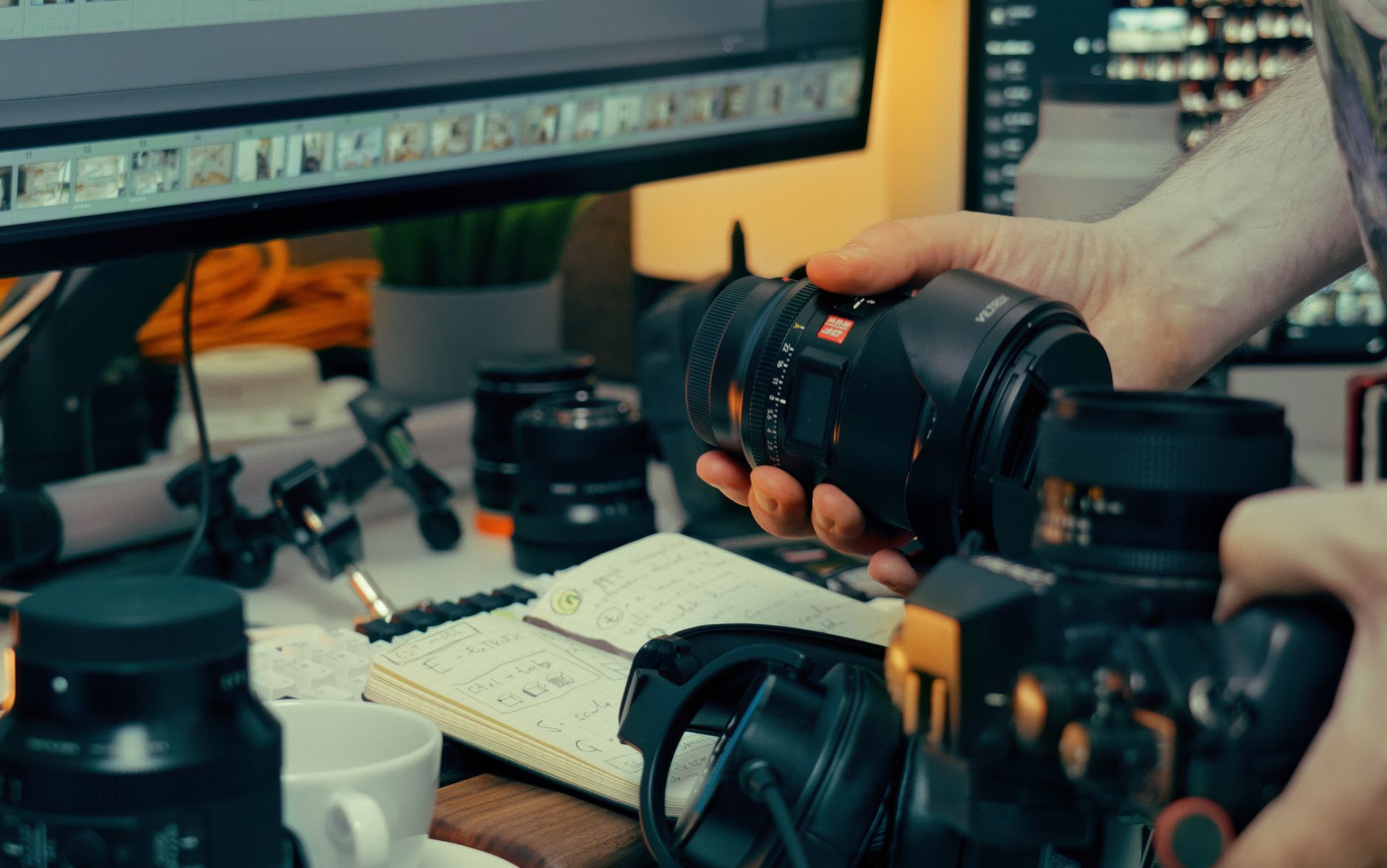
Photo by Jakub Zerdzicki on Pexels
Why a Quick Audio Note Works
When you’re on the road, the sensory overload is intense: smells of street food, the hum of a market, the sudden gust of wind on a mountain ridge. A single photograph can capture the visual, but it rarely conveys the atmosphere that made the moment unforgettable. That’s where a 5‑minute post‑shot audio note becomes a secret weapon. By recording your thoughts, sounds, and emotions within minutes of taking the picture, you lock in contextual details that would otherwise fade.
Research in memory science shows that the brain retains auditory cues longer than visual ones when they’re recorded close to the event. In practice, this means that a brief voice memo can help you recall the exact lighting, the conversation you overheard, or the feeling of stepping onto a historic cobblestone street. Later, when you sit down to edit, those audio snippets become narrative anchors, guiding captions, blog copy, and even the sequencing of a photo essay.
How to Capture a 5‑Minute Audio Snapshot
Turning the idea into habit only takes a few simple steps. Below is a practical workflow that works for both DSLR shooters and smartphone snap‑shooters.
- Choose a lightweight recorder. Most smartphones have a built‑in voice‑memo app that records in high quality. If you prefer a dedicated device, the Zoom H1n or Sony ICD‑UX570 are compact and battery‑friendly.
- Set a timer. As soon as you press the shutter, start a 5‑minute timer on your watch or phone. This creates a mental cue to pause and reflect.Ask three quick questions. In your memo, answer: (1) What was happening right before the shot? (2) What specific detail stood out (color, sound, smell)? (3) How did you feel?
- Record ambient sound. If the location has a distinctive audio backdrop—waves crashing, a train whistle, market chatter—let the recorder capture a few seconds of that ambience. It adds depth when you later overlay the sound in a video slideshow.
- Name the file consistently. Use a naming convention like
IMG_2024-04-15_Paris_Eiffel_01_Audio.m4a. This makes it easy to locate the note when you’re sorting thousands of images.
Real example: While photographing the sunrise over Angkor Wat, I recorded a 45‑second audio note titled ANGKOR_2023-11-02_Sunrise_Audio.m4a. I described the low‑hum of chanting monks, the chill on my skin, and the exact moment the first rays hit the stone towers. Two weeks later, when writing a travel piece, those details allowed me to craft a vivid opening line that readers said “felt like they were there.”
Integrating Audio into Your Photo Storytelling
Having the audio is only half the battle; the real magic happens when you weave it into your visual narrative.
- Use the memo as a caption brainstorm. Play back the note while you review the shot. Highlight key phrases and turn them into concise captions or Instagram carousel text.
- Pair audio with a slideshow. Tools like Adobe Premiere Rush, iMovie, or even Instagram Reels let you layer the ambient sound beneath a series of photos. The result is a mini‑documentary that feels immersive.
- Build a “behind‑the‑scenes” blog post. Include a short audio player (SoundCloud embed or native HTML5
<audio>) alongside the image gallery. Readers love hearing the photographer’s voice describing the moment. - Archive for future projects. Store the audio files in a cloud folder linked to the corresponding shoot. Years later, when you revisit a location, those notes can inspire new angles or a follow‑up article.
Real example: For a series on the Scottish Highlands, I combined five landscape shots with a 30‑second wind‑howling audio clip recorded at the summit of Ben Nevis. The final Instagram carousel received 2.3× more engagement than the same images posted without sound, proving that multisensory storytelling resonates.
FAQ
Q1: Do I need expensive equipment to record quality audio?
A: Not at all. Modern smartphones capture clear voice memos, and a simple lapel mic (under $20) can improve clarity if you’re in a noisy environment. The key is consistency, not gear.
Q2: How do I keep the audio notes organized when I have hundreds of photos?
A: Adopt a naming convention that mirrors your photo filenames and store audio files in a parallel folder structure (e.g., /Photos/2024/04/Paris/ and /Audio/2024/04/Paris/). Using metadata tags in Lightroom or Adobe Bridge can also link audio to images.
Q3: Can I use the audio notes for commercial purposes?
A: Yes, as long as you own the recordings. If you capture ambient sounds that include copyrighted music or identifiable voices, you may need releases. For most public spaces, ambient sound is safe to use.
By dedicating just five minutes after each click, you’ll turn ordinary travel photos into compelling stories that transport your audience. Start recording today, and watch your visual narratives gain a new, unforgettable dimension.
Found this helpful? Share it with fellow travelers! ✈️
0 comments:
Post a Comment